Your devices first
Your vault is designed to live with you—not in a required cloud account.
 DeepOwnGet DeepOwn ↗
A private vault for the information that matters. Keep notes, files, and personal details on your own devices—and sync directly over your local network.
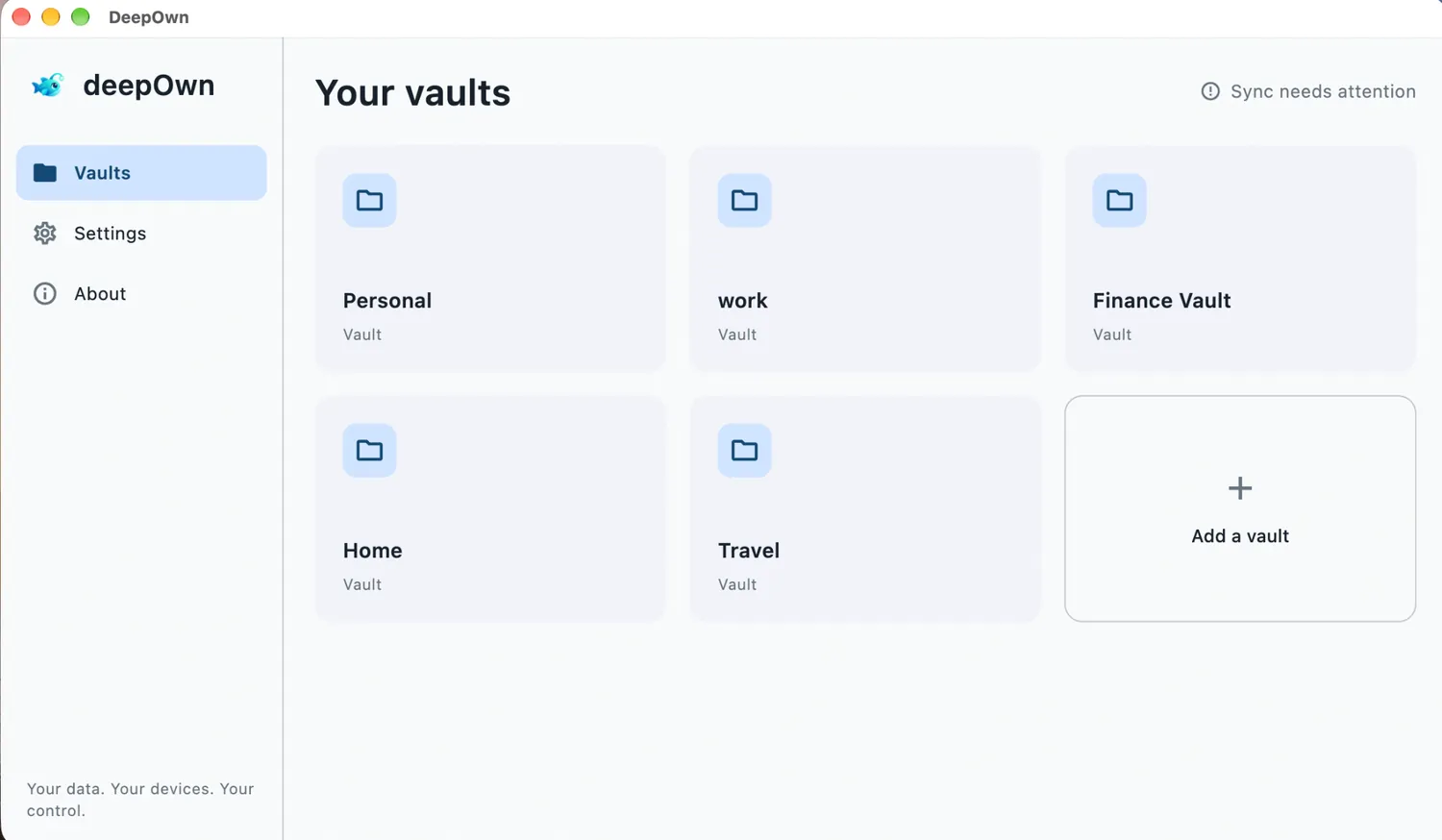
Your vault is designed to live with you—not in a required cloud account.
Keep your devices in step over your local network, without cloud storage.
Organize sensitive details in a private space under your control.
From personal records to work notes, DeepOwn helps you keep important information organized without making the cloud the center of your life.
Keep personal, work, travel, and household information organized in their own spaces.
Sync vaults between your own devices on the local network. No cloud storage is required for local sync.
Bring useful text and files together in one place, instead of scattering them across apps.
Set up or restore your identity with a recovery phrase. Store it securely and never share it.
Your private information should belong to you—not to a platform.
THE DEEPOWN PRINCIPLEStart with a vault, add what you need, and connect your devices when they’re on the same local network.
Set up DeepOwn and carefully save your 12-word recovery phrase somewhere safe.
Make separate spaces for personal records, work, travel, home, or other important information.
Use the in-app QR flow to connect devices, then sync directly over your local network.
Choose your platform. Download links will be activated as each release becomes available.
Only download DeepOwn from official distribution pages linked here.
No cloud storage is required for local vault storage or direct syncing between devices on the same local network.
Organize text-based information and supported attachments, such as personal records, travel details, work notes, and reference information.
Use DeepOwn’s device-linking option. The computer displays a QR code and the mobile device scans it. Both devices must use the same DeepOwn identity.
Write it down and store it securely. Never post it, send it to anyone, or include it in a support request.
Your data. Your devices. Your control.