At home
Open DeepOwn when you get home, and your devices can automatically sync household records, documents, and other important files.
 DeepOwn
Get DeepOwn ↗
Keep your notes, documents, and important files in a secure, encrypted vault on your own devices. DeepOwn automatically discovers your devices and syncs your information over the same local network — at home or at work, without relying on a central cloud server.
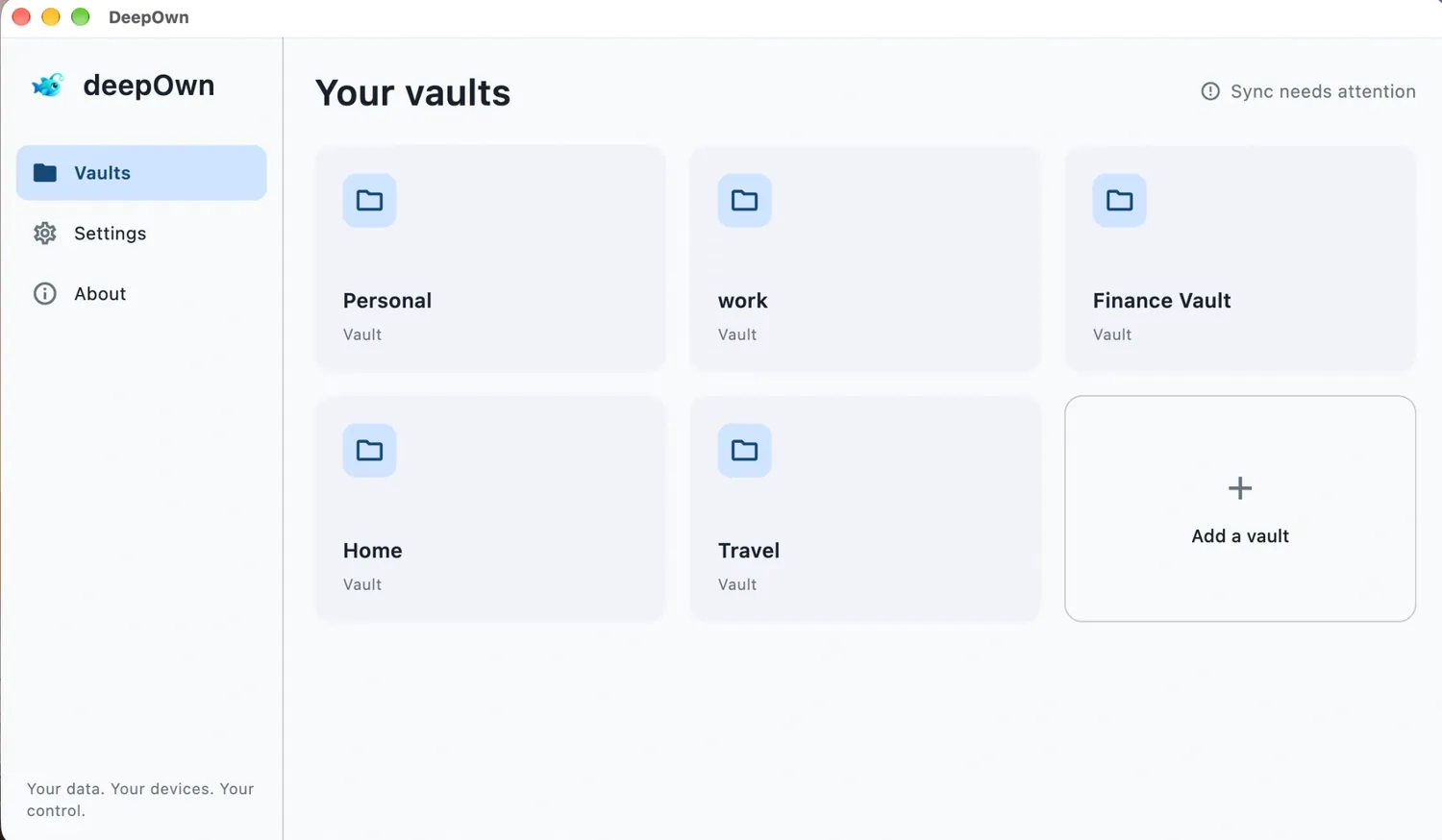
Open DeepOwn when you get home, and your devices can automatically sync household records, documents, and other important files.
Keep your work information up to date across your office computer and other devices. Your notes, documents, and important files sync automatically over your local network.
Take your private information wherever you go. Your phone keeps your synced files at hand, like a secure USB drive without the USB.
Your private files and notes stay in your own encrypted vaults — not on a cloud server. Find out how DeepOwn protects your data, how to access it on your devices, and what you should know before getting started.
Explore Security Center →From personal records to work notes, DeepOwn helps you keep important information organized without making the cloud the center of your life.
Keep personal, work, travel, and household information organized in their own spaces.
Your devices automatically discover each other on the same local network. Keep your notes, documents, and file attachments in sync.
Bring useful text and files together in one place, instead of scattering them across apps.
Set up or restore your identity with a recovery phrase. Store it securely and never share it.
Every change creates a new revision. Your revision history syncs across your devices, so you can revisit earlier text and file attachments.
Start with your identity, organize your information, and let your devices sync automatically.
Create a new identity or restore an existing one using your 12-word recovery phrase.
Make separate spaces for personal records, work, travel, home, or other important information.
Open DeepOwn on devices using the same identity and connected to the same local network. They automatically discover each other and sync your vault data directly. If automatic discovery doesn't work, you can use the in-app QR code option as an alternative.
Choose your platform below. iOS, macOS, Windows, and Linux are available now. Android is currently in closed testing.
For your safety, download DeepOwn only from the official stores or the Windows download linked here. Platform availability and testing access may vary.
Think of DeepOwn as a personal encrypted USB drive that lives on your devices — with automatic local sync and complete revision history. You can keep your important information and files in your own encrypted vault, sync them directly between devices on the same local network, and revisit previous versions whenever you need. Unlike a traditional USB drive, there's no need to manually copy files between devices.
No. Your vault data stays on your own devices. DeepOwn syncs directly between devices on the same local network, without requiring a central cloud server.
You can keep personal notes, important records, travel information, work-related details, and other information you want to keep private. You can also attach files to your entries, keeping everything organized in one encrypted vault.
Just open DeepOwn on devices using the same identity and connected to the same local network. They automatically discover each other and can sync directly without a cloud server. If automatic discovery doesn't work, you can use the in-app QR code option as an alternative way to establish a connection between your computer and mobile device.
Android is currently in closed testing. Join the DeepOwn tester group first, then open the Google Play testing page to opt in. Access is limited to eligible testers while the app is in testing.
Write down your 12-word recovery phrase and keep it somewhere private and secure, separate from your devices if possible. Never post it, send it to anyone, or include it in a support request. Anyone who obtains it may be able to restore your identity, so protect it like a key.
Yes. Every revision created on your devices, including its text and file attachments, is synchronized across your devices. This allows each device to maintain the complete revision history created across your devices.
DeepOwn is designed to keep vault data on your own devices and sync directly over your local network. Security also depends on protecting your devices and recovery phrase. Read our Security Center for more details about the design, limitations, and responsible vulnerability reporting.
Your data. Your devices. Your control.